Shimano Di2 E-Tube SM-BCR2 Battery Charger
Description
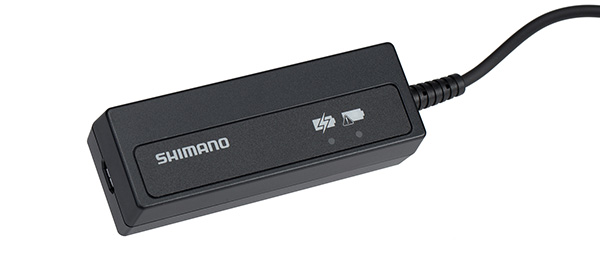
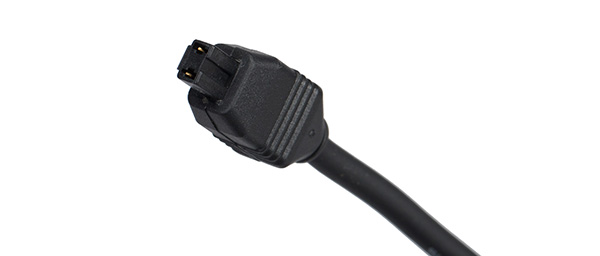
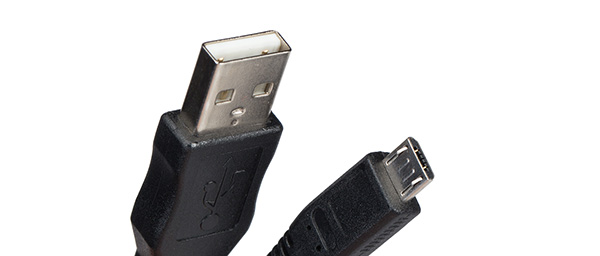
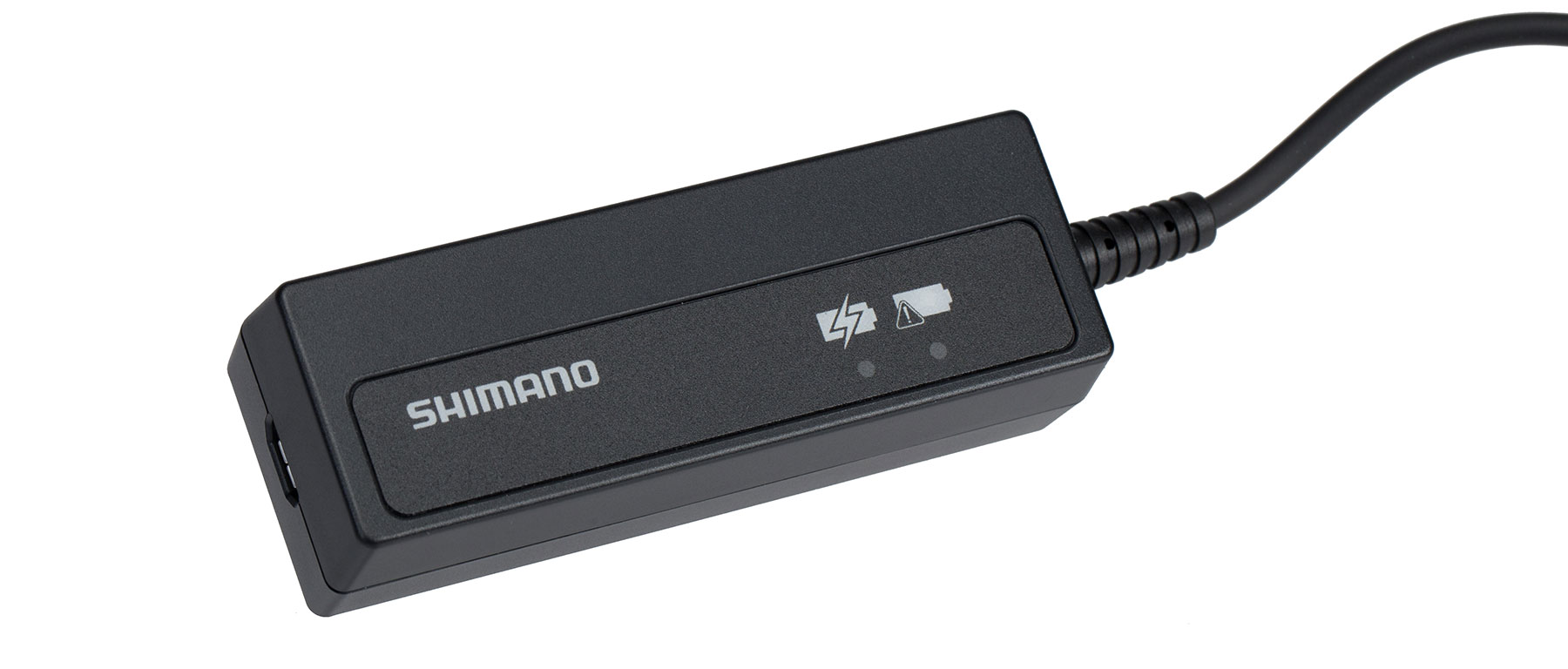
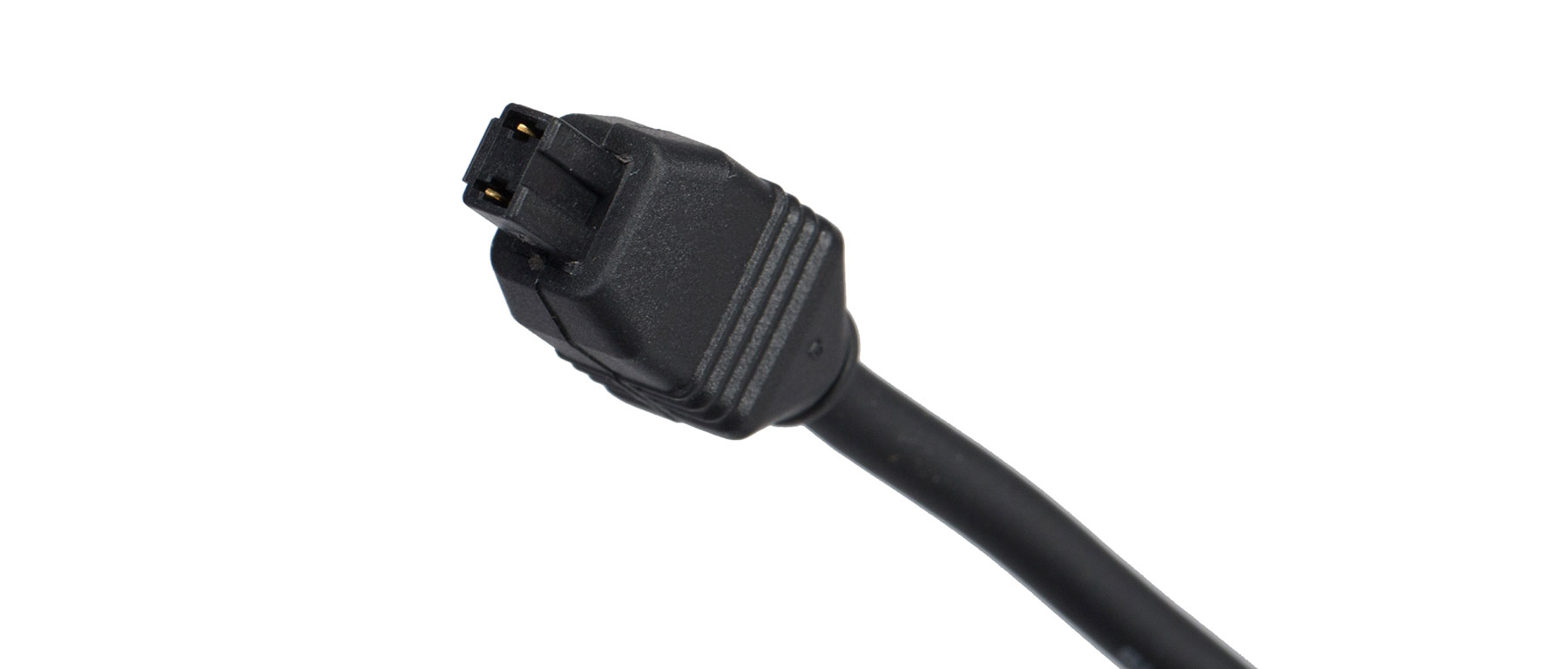
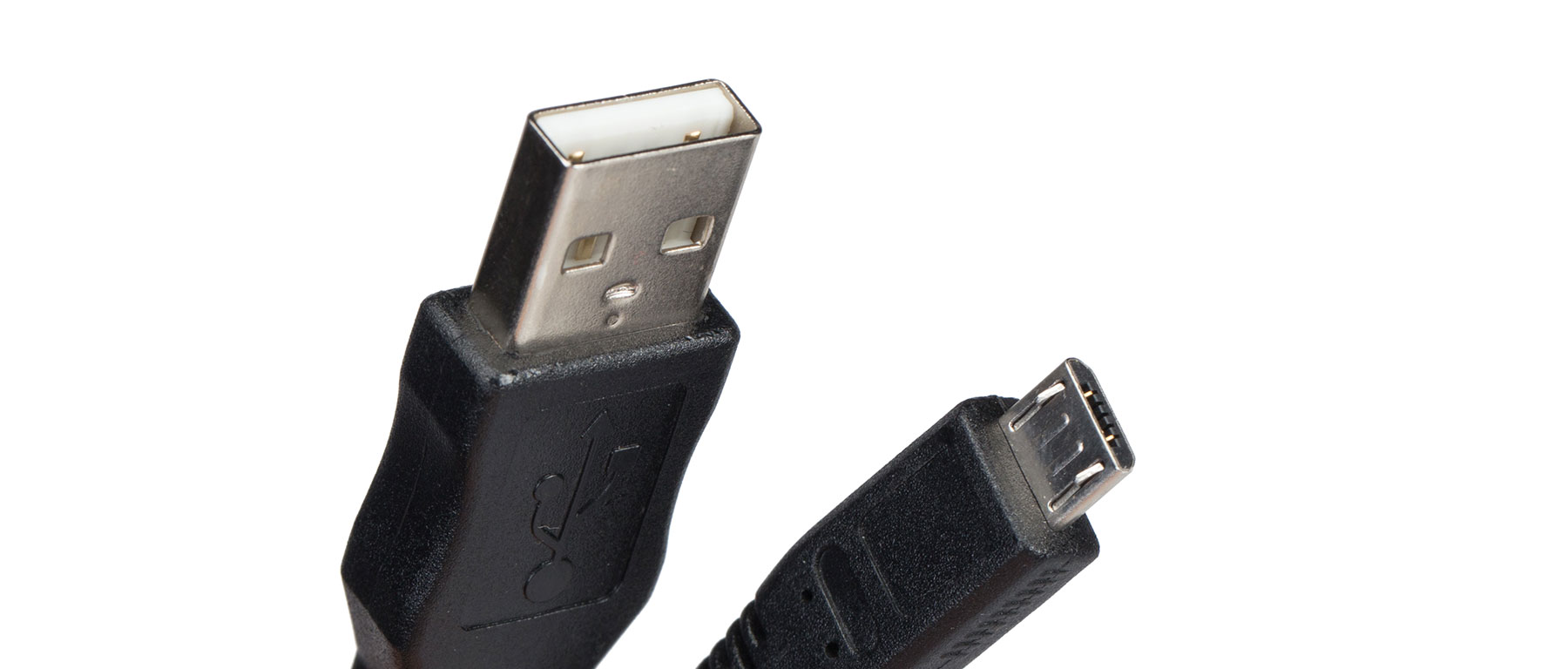
The SM-BCR2 is the charger you need if you're running a Di2 system with an internal battery — meaning any of the BT-DN110 or SM-BTR2 seatpost/downtube batteries that hide inside the frame rather than mounting externally. It plugs into the charging port on the battery itself (or on the junction box, depending on how your bike is wired) and connects to a computer or USB power adapter on the other end. Shimano includes a USB-A cable in the box, so you can charge from a laptop, a wall adapter, or a battery bank when you're on the road.
What makes the SM-BCR2 worth keeping around beyond charging duty is that it doubles as the PC linkage device for E-Tube Project. Plug it into a Windows computer, launch the E-Tube app, and you can push firmware updates to every Di2 component on the bike, customize shift button behavior, adjust multi-shift speeds, and diagnose issues. If you've ever had a rear derailleur stop responding after a firmware push or wanted to remap the hood buttons for satellite shifters, this is the tool that makes it happen from home instead of a service appointment.
One thing worth flagging: if your Di2 setup uses the newer wireless BT-DN300 battery (12-speed R9200 Dura-Ace, R8100 Ultegra, and current XTR M9250), that system charges through the EW-EC300 cable and a different adapter — the SM-BCR2 is specifically for the older wired 11-speed and Alfine internal battery generations. Check which battery is in your frame before ordering. Most 11-speed Dura-Ace 9070/9150 and Ultegra 6770/6870/8050/8070 bikes use the SM-BTR2 or BT-DN110 and are the right fit for this charger.
Features
- Charges Shimano Di2 internal batteries (BT-DN110 and SM-BTR2)
- Doubles as PC linkage device for E-Tube Project firmware updates and customization
- Compatible with Dura-Ace 9070/9150, Ultegra 6770/6870/8050/8070, and Alfine Di2 internal battery systems
- Not compatible with wireless BT-DN300 battery used in 12-speed R9200/R8100/M9250 systems
- USB-A connection to computer or standard USB power adapter
- Approximately 1.5 hours to full charge
- LED indicator shows charging status and signals full charge
- Windows drivers required for E-Tube Project PC connection